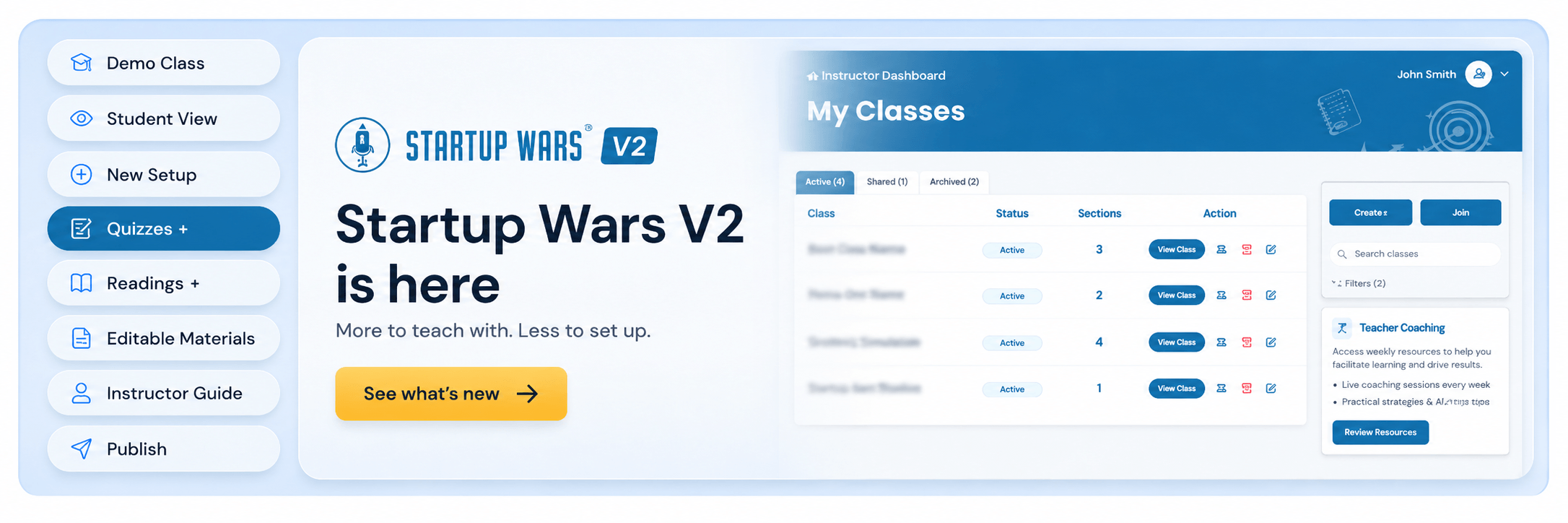
A Better Way to Teach Entrepreneurship with Business Simulations
Teaching with Startup Wars just got easier. You’ll have more control over your courses and better visibility into student learning, with a new experience designed to support you every step of the way.
Meet Startup Wars V2.
The simulations your students love are still at the heart of the platform. We’ve expanded everything around them, giving you more ways to prepare for assignments, support students as they work through them, and reinforce the entrepreneurship concepts behind every decision.
If you’re already planning your next course, scroll down to find everything that’s new, along with what current instructors should know before exploring the updated platform.
What's New in Startup Wars V2?
Startup Wars V2 expands the platform beyond the simulation itself, giving you more ways to prepare students, run assessments, and shape the classroom experience.
Here's what's new:
– New Learning Resources with entrepreneurship lessons and simulation-specific materials
– New readings and quizzes that add context and provide additional assessment opportunities
– A Demo Class and View as Student mode for exploring the platform before teaching
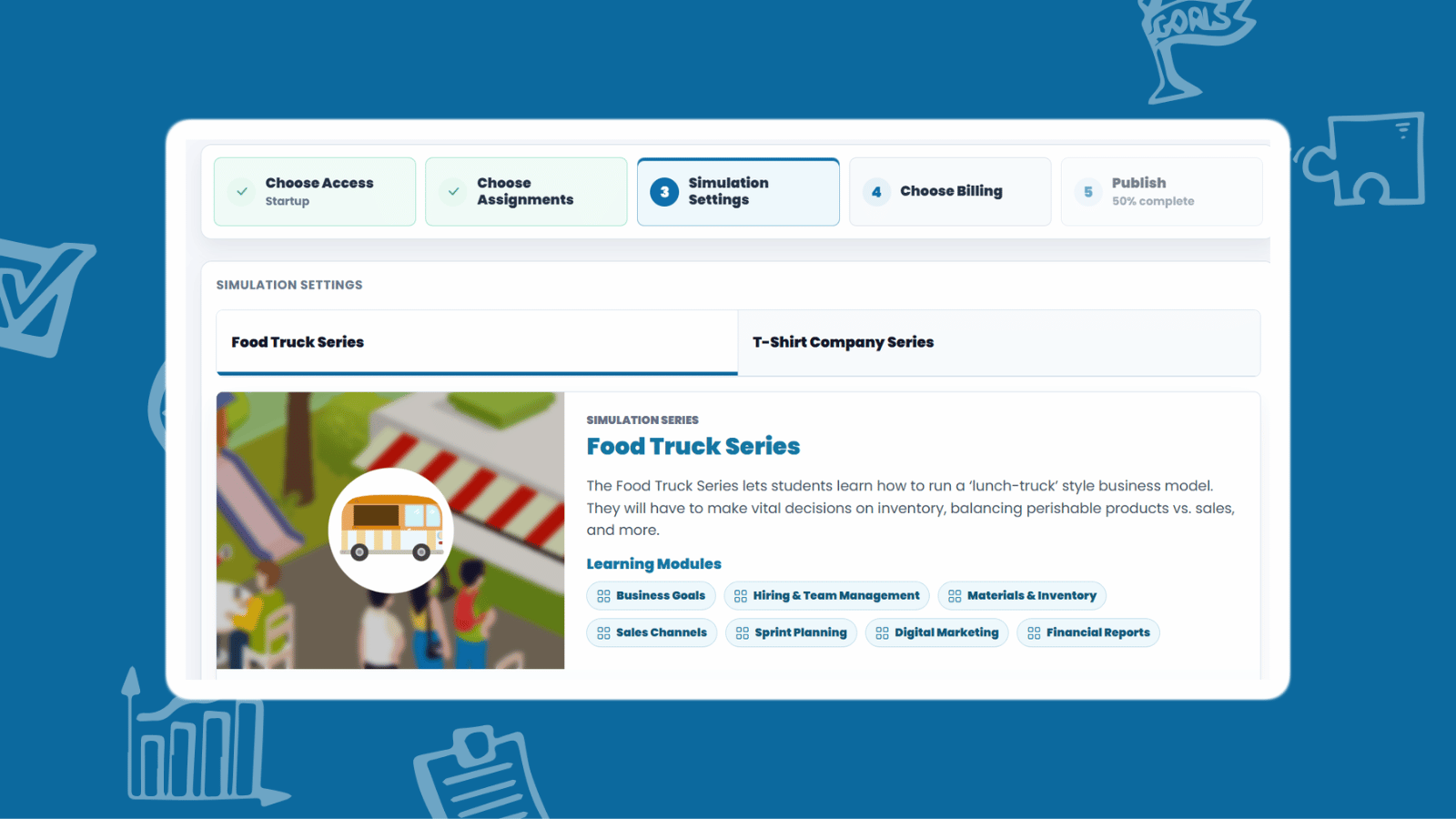
– A more intuitive setup flow that guides instructors from assignment selection through billing and publishing
– Editable course materials that can be adapted to different teaching styles
– Improved access-pass, seat, and billing management tools
– Platform-wide UI and UX improvements designed to make Startup Wars easier to navigate and use.
– Improved performance and overall platform reliability
The simulation experience you already rely on stays in place. V2 builds a stronger teaching platform around it.
New Learning Resources to Empower Students
Business simulations help students learn by doing: they make the decisions and see the results play out instantly. Startup Wars V2 builds on that foundation by helping students understand why those decisions succeed or fail.
The new Learning Resources bring together entrepreneurship fundamentals, deeper lessons on key business concepts, and content tailored to the specific simulation each student is completing. Depending on your pass, that means 4 introductory chapters, up to 20 guided lessons chapters, and up to 11 quizzes built into the platform.
Readings Built Around Each Simulation
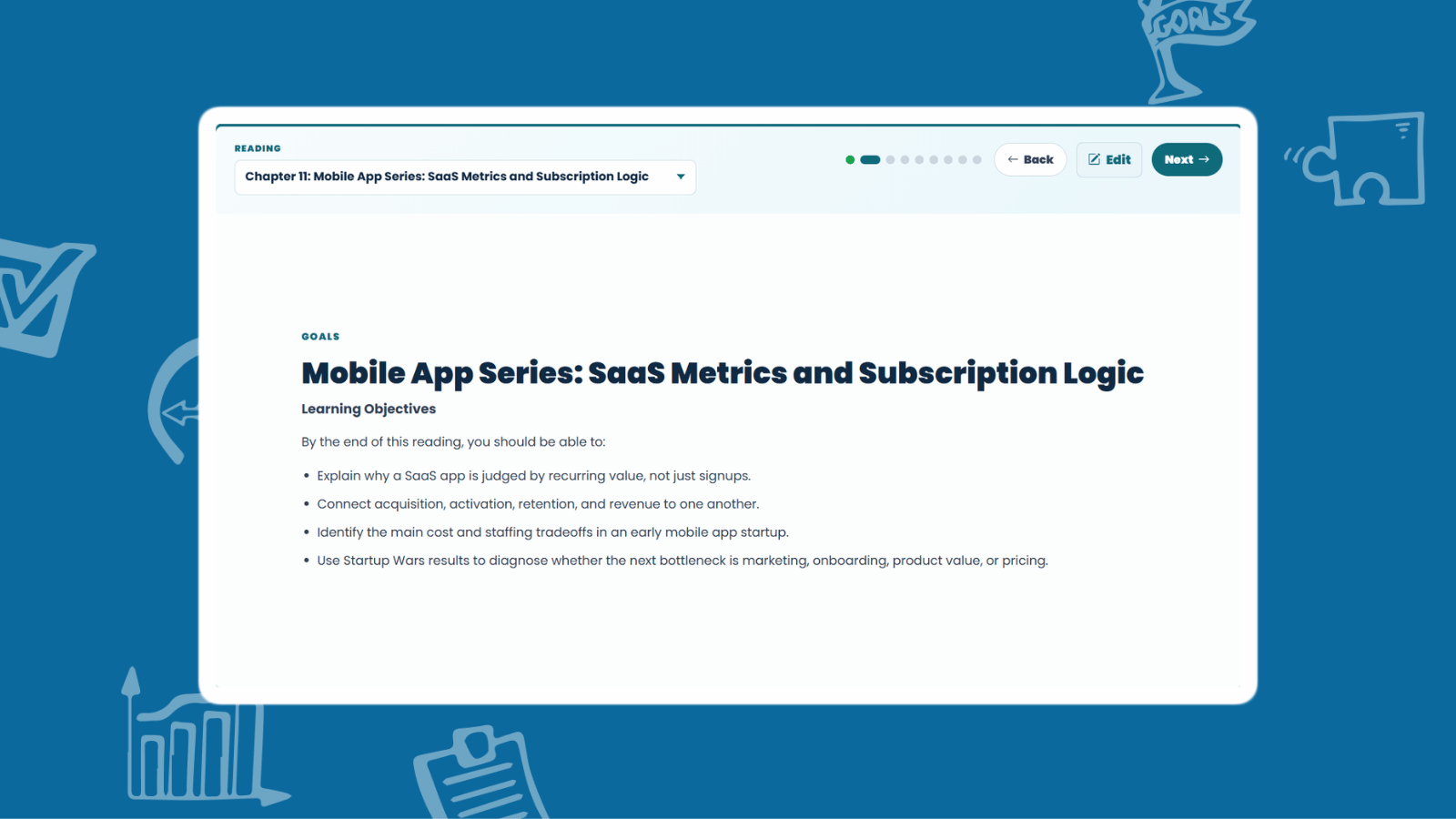
Every reading connects directly to the business students are running. A student managing a mobile app company works through chapters like “SaaS Metrics and Subscription Logic,” learning to connect acquisition, retention, and revenue, and to use their own Startup Wars results to diagnose whether their next bottleneck is marketing, onboarding, product value, or pricing.
A student running a food truck gets different material: chapters on location, menu, and daily operations, including the common mistakes that sink real food businesses. The concepts students study are the same ones they’ll act on in their next gameplay session.
Clear Learning Objectives in Every Chapter
Each reading opens with learning objectives, so students know exactly what they should be able to do by the end. Readings also display estimated completion times, making it easy for you to plan class periods and homework around them.
Built-In Quizzes for Real Assessment
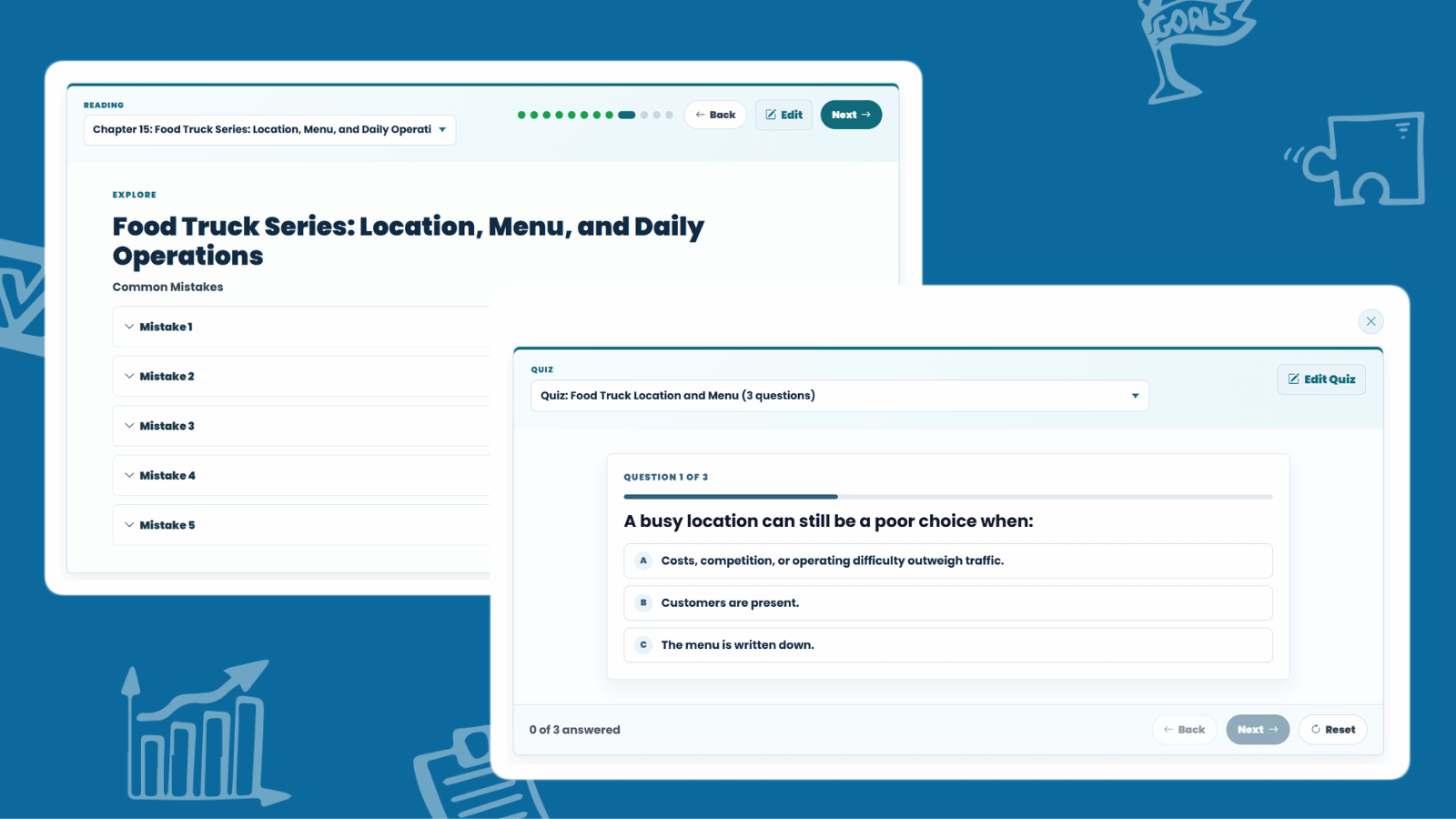
Alongside the readings are built-in quizzes, giving you another way to measure understanding beyond final simulation performance. A student can make a bold call in the simulation that doesn’t pay off and still demonstrate a strong grasp of the concept behind it. Now you can grade that understanding directly.
The simulation remains where students apply what they’ve learned. The new resources help them develop the knowledge to make stronger decisions, and to better understand the outcomes when those decisions don’t go as planned.
Course Materials That Adapt to Your Teaching Style ✏️
Every instructor teaches entrepreneurship differently, and the new content is built to support the curriculum you already teach rather than dictate one.
Some instructors focus primarily on the simulation. Others build an entire unit around readings, discussions, quizzes, and reflection activities. Startup Wars V2 supports both approaches.
Edit Readings to Fit Your Course
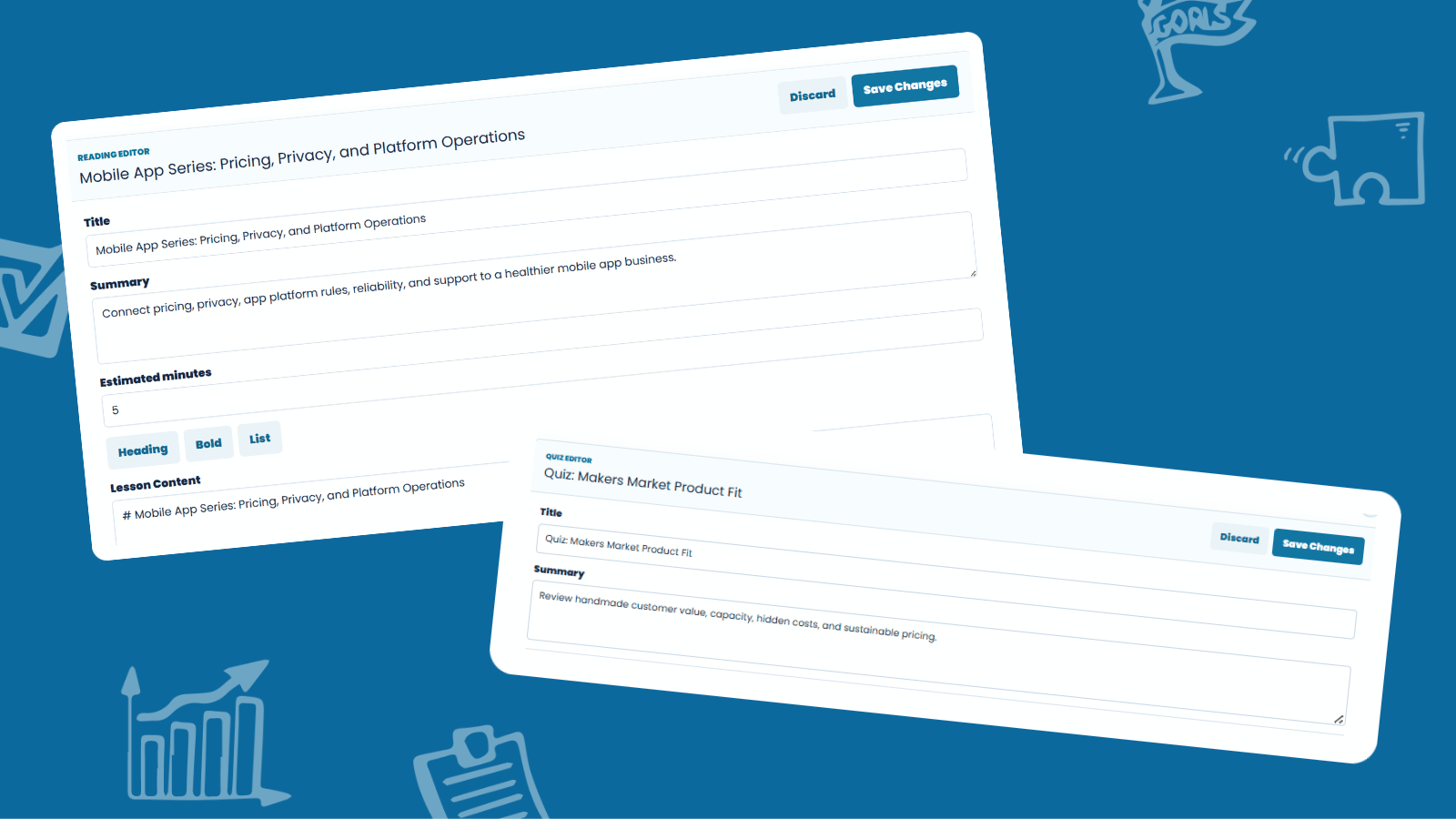
The built-in Reading editor feature gives you direct control over lesson content. Adjust a chapter’s title, summary, estimated minutes, and the lesson content itself, with simple formatting tools for headings, bold text, and lists. Use the provided chapters as written or reshape them around your learning objectives.
Customize Quizzes for Your Students
The Quiz Editor works the same way. Review the provided questions, adjust them to match your emphasis, or align them with how you’ve taught the material. Assessment stays consistent with your classroom, whatever your approach.
New to teaching with simulations, or planning how V2 fits into your syllabus? Our guide on how to use business simulations in the classroom walks through implementation approaches that work alongside your current curriculum.
The structure is there when you need it. How you use it is entirely up to you.
Explore the Demo Class Before Building Your Own
Getting started with a new platform is easier when you can see a fully built example first. That’s exactly what the new Demo Class provides.
Instead of starting with an empty course, you can explore a populated class to understand how materials are organized, review available assignments, and see how everything fits together before creating your own.
See the Platform Through Your Students' Eyes
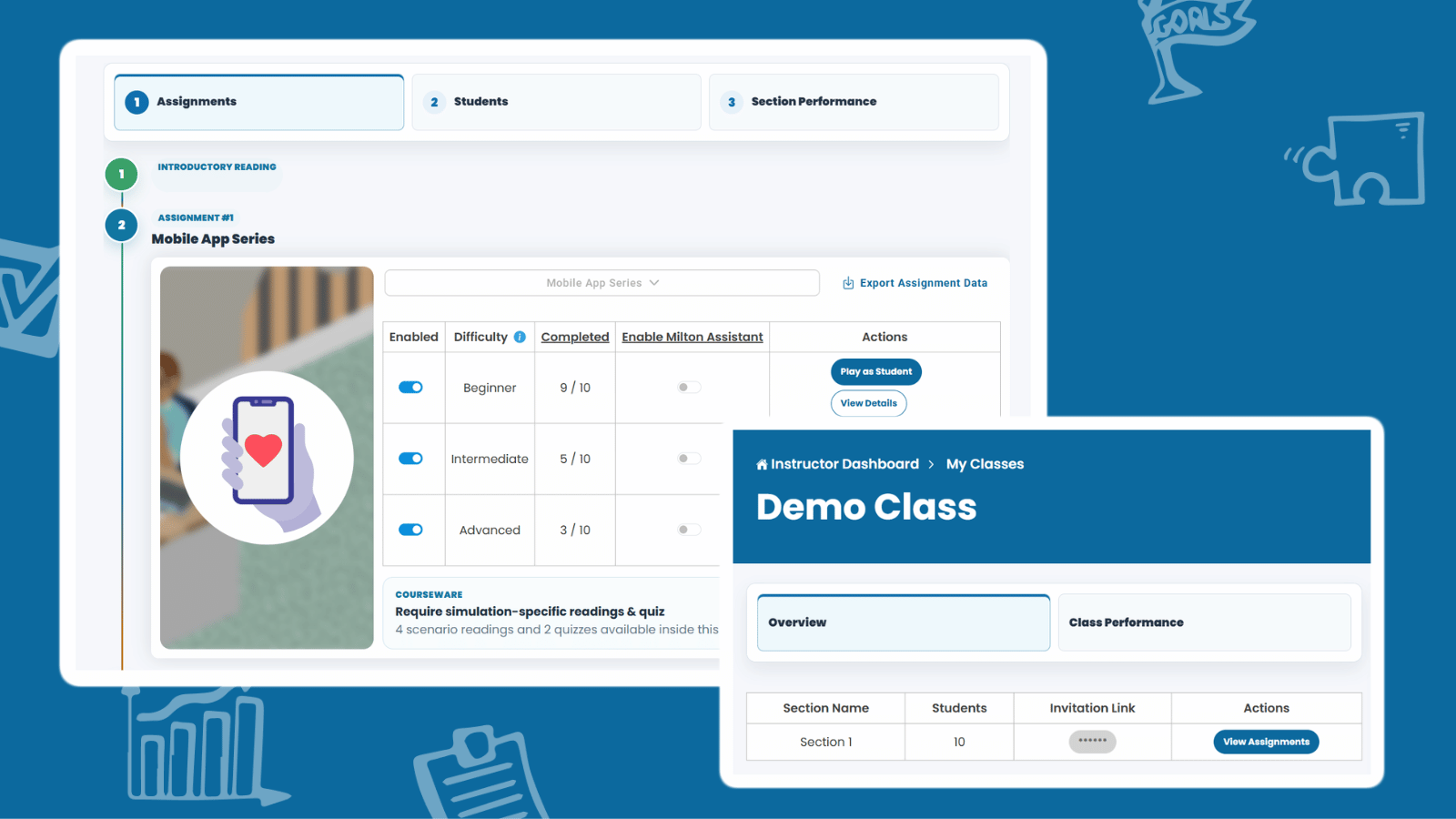
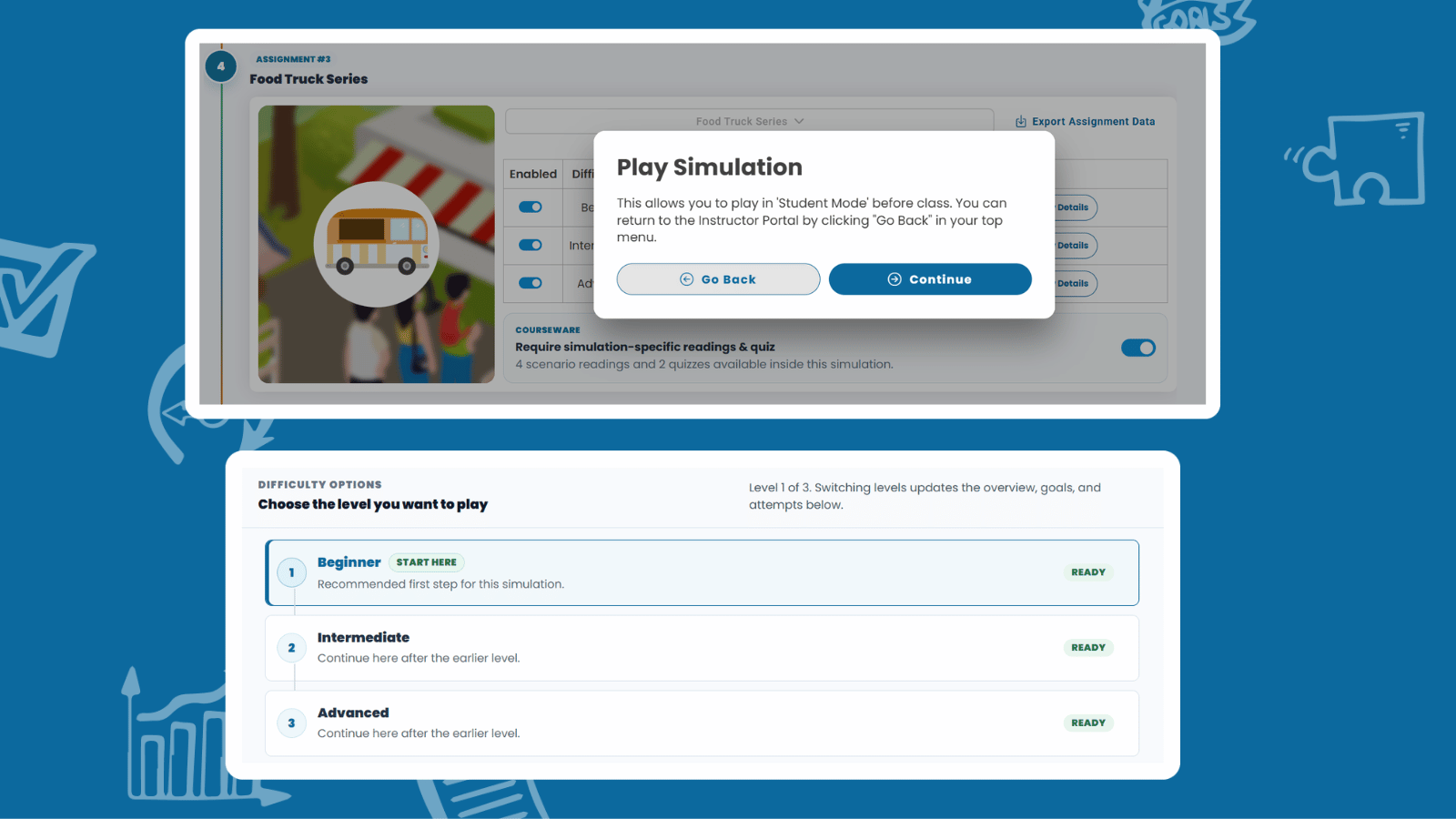
Using View as Student, you can experience the platform from the learner’s perspective, answering one important question before publishing anything:
“What will my students actually see?”
You’ll see how readings and quizzes appear on the student side, how an assignment flows into a simulation, and even how difficulty options like Beginner, Intermediate, and Advanced present themselves to your class.
A Simpler Path from Class Setup to Publishing
Startup Wars V2 introduces a redesigned class creation experience that guides instructors through the entire setup process in one connected workflow. Instead of jumping between separate screens, you can move seamlessly from assignment selection to learning materials, simulation settings, billing, and publishing.
The biggest change is that the class now serves as the foundation for everything that follows.
Build Once, Reuse Across Sections
Once your class is configured and published, you can create multiple sections that inherit the same setup instead of rebuilding each one from scratch. For instructors teaching several sections of the same course, that means less repetitive work and a consistent experience across every class.
The workflow is easier to follow, faster to complete, and designed to keep the focus on teaching.
What Each Access Pass Now Includes
With curriculum content built into every tier, the access passes cover substantially more than before:
– Basic Pass ($24.99 per student): 1 business simulation, 4 introductory chapters, 4 guided lessons chapters, and 3 quizzes. Best for short pilots, workshops, or a single-unit course.
– Startup Pass ($29.99 per student): 2 business simulations, 4 introductory chapters, 8 guided lessons chapters, 5 quizzes, and access to Milton AI. Best for standard entrepreneurship courses.
– Premium Pass ($59.99 per student): all 5 business simulations, 4 introductory chapters, 20 guided lessons chapters, 11 quizzes, and access to Milton AI. Best for full-semester programs and advanced coverage.
We’re also rolling out team training programs and advanced district integrations, which can be quoted upon request.
Already purchased your licenses and worried about the price change? Not a problem. We’ll honor all pre-purchased access passes for the fall term through December 31, 2026.
Already set up your fall classes (direct to student) at the 2025 rates and can’t change it now? Also not a problem. Just let us know, and we’ll issue discount codes that allow your students to purchase at the 2025 rates through December 31, 2027.
If your course uses a bookstore, purchase order, institutional code, or another specialized setup, contact us before making any changes. We’d much rather help you confirm the right path than have you spend valuable time navigating billing options during fall course planning.
Access, Seats, and Existing Classes Have Been Updated Too
Some of the most important improvements in Startup Wars V2 happened behind the scenes.
This release includes significant updates to the systems that manage instructor-provided access passes, bookstore and institutional access codes, direct student purchases, class seats, and additional seat purchases.
Just as importantly, we’ve taken steps to ensure the transition to V2 is as smooth as possible for existing instructors. Previously purchased passes and legacy classes are supported so you can adopt the new platform without rebuilding a course that’s already working.
LTI, LMS, and SSO Integrations Are Coming Next
Startup Wars V2 marks an important milestone, but it isn’t the end of this rollout.
This release focuses on the new platform experience. Support for LTI, LMS, and single sign-on (SSO) integrations arrives in the next phase of the fall rollout, with additional details coming later in July.
In the meantime, schools, departments, and districts planning an integration can reach out now to begin the conversation and connect our team with their IT department ahead of implementation.
Ready to Get Started with Startup Wars V2?
This Community Update gives you the big picture of what’s new in V2. When you’re ready to start setting up your own class, the Startup Wars V2 Instructor Guide walks you through the core workflows—from exploring the Demo Class to publishing your first class and reviewing student progress.
Explore the Startup Wars Instructor Guide
Frequently Asked Questions
Startup Wars V2 is the first major platform update since 2020. It introduces new Learning Resources, readings, quizzes, editable course materials, a Demo Class, View as Student, a redesigned class setup experience, and updated access management tools—all while preserving the core entrepreneurship simulation experience.
No at all!
The core business simulation experience remains the same. Startup Wars V2 expands everything around the simulation, giving instructors better tools for course preparation, instruction, assessment, class setup, and classroom management.
No need! Existing classes are designed to remain supported. If you have an active course or a specialized setup, we recommend confirming your configuration with the Startup Wars team before making major changes.
Absolutely!
Startup Wars V2 gives instructors greater control over course materials, making it easier to adapt readings and quizzes to fit their own teaching goals. The complete Instructor Guide explains the available editing options in detail.
Not yet!
LTI, LMS, and single sign-on (SSO) integrations are part of the next phase of the fall rollout. We'll share additional details later in July.